
Does Shopify Include Schema Markup by Default
TL;DR: This article explains Shopify Schema with practical examples for Shopify merchants, SEO teams, and agencies. For implementation context, see How SchemaForgeAI works, then validate outputs using Rich Results Test.
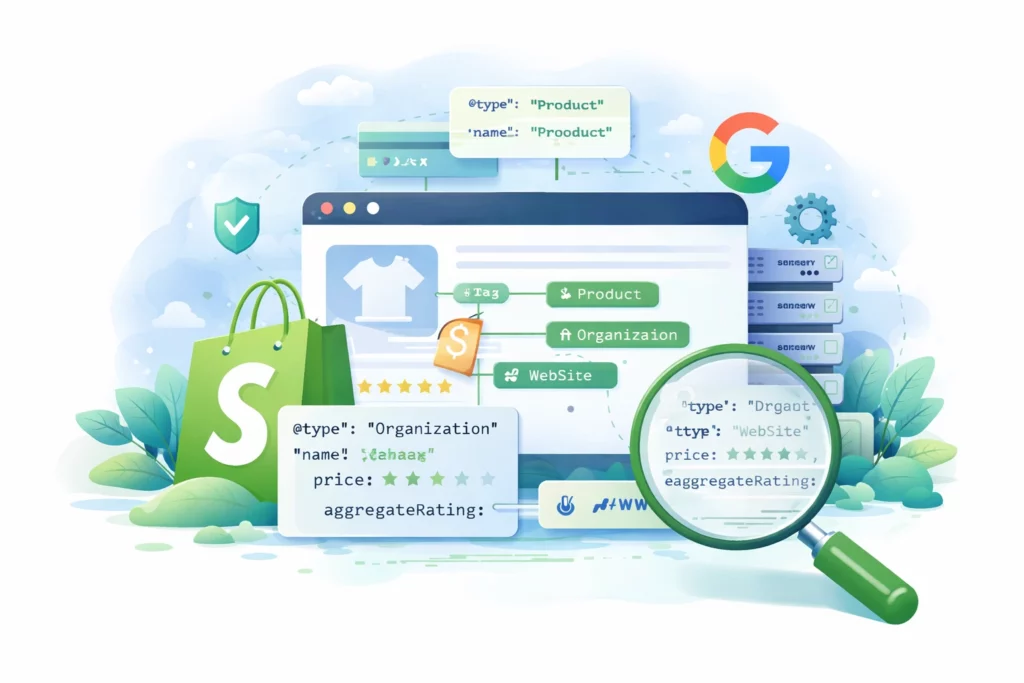
What Shopify provides out of the box
Most Shopify themes output basic Product structured data. That usually includes product name, images, price, availability, and sometimes ratings if your theme or apps supply that data. This can help search engines recognize product information and may support product rich results where eligibility requirements are met.
However, Shopify defaults are theme dependent. Two stores can run Shopify and publish very different structured data simply because their themes output different JSON LD, or because apps add their own markup. This is why validation is essential, you should confirm what your store actually publishes, not what you assume it publishes.
A common issue is duplication. A theme may output Product schema, and then an SEO or review app outputs another Product schema block. Duplicate entities can confuse parsers and create warnings.
Browse the structured data vocabulary at Schema.org and review key types like Offer.
If your store is small and your theme output is clean, Shopify defaults might be enough for basic product coverage. The moment you need more control, such as collection schema, page specific FAQs, or improved Organization signals, defaults become restrictive.
A quick audit method is to test a product page, a collection page, and your homepage in validation tools. If you see repeated Product entities or missing Organization identifiers, you have a clear opportunity to improve.
Where Shopify default schema falls short
Shopify defaults are often limited in two ways, coverage and control. Coverage means which page types get structured data. Control means whether you can customize output per page and per product without editing theme files.
Many stores want collection level schema so search engines understand category intent and product groupings. Many also want better site wide entities, including Organization and WebSite schema with consistent identifiers. Default themes rarely handle these comprehensively.
Customization per product is another limitation. If you need different schema properties for specific products, such as more precise brand information, shipping details, or return policy references, the default output usually does not offer a safe point and click workflow.
SchemaForgeAI addresses these gaps by letting you apply structured data intentionally across multiple page types without touching theme files. That reduces maintenance risk and supports a more consistent structured data layer.
When you evaluate whether you need a schema tool, focus on your goals. If you are aiming for richer product snippets, verify Product and Offer markup. If you are aiming for better category clarity, focus on CollectionPage and ItemList. If you are aiming for brand trust signals, focus on Organization and site wide identifiers.
From an experience and trust perspective, consistency matters. Use one Organization identifier, consistent brand naming, and avoid conflicting offers across apps.
Helpful links
Internal pages: How SchemaForgeAI works, Pricing.
External references: Schema.org vocabulary, Schema.org Offer, Google structured data policies.
Frequently Asked Questions
Does Shopify generate schema for collections
Some themes include limited collection markup, but robust CollectionPage and ItemList schema is not consistently provided by default.
Can I customize schema per product on Shopify
Not easily with default themes. Per product customization often requires theme edits or a dedicated schema tool that supports page level control.
Why do I see schema warnings even on Shopify
Warnings often come from missing recommended fields or duplicate markup added by multiple apps or theme features.